Multi-Factor Authentication of Central Dispatch Accounts
What you need to know about Multi-Factor Authentication for Sign in
Multi-Factor Authentication will assist in protecting unauthorized users from gaining access to a Marketplace account.
A multi-step authentication process for account login requires a user to enter more information than just a password. Users will also enter a verification code sent to the mobile phone number linked to their Central Dispatch account.
How will it work on CD?
- Users will be prompted to set up a multi-step authentication upon logging in by choosing to get a code sent via SMS
- Each user on an account will need their own set of credentials because the user will need to have access to the mobile phone number in their My Profile to receive a code to verify the account
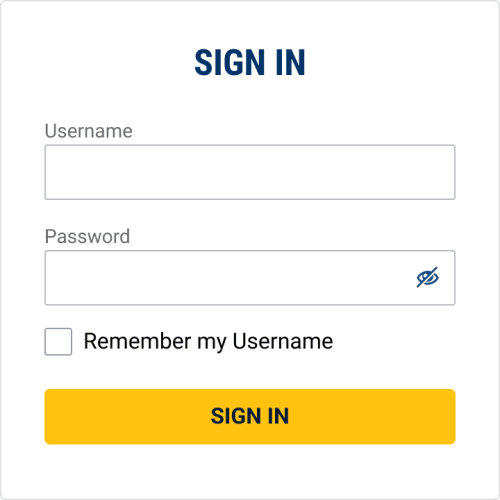
Sign in using Username and Password
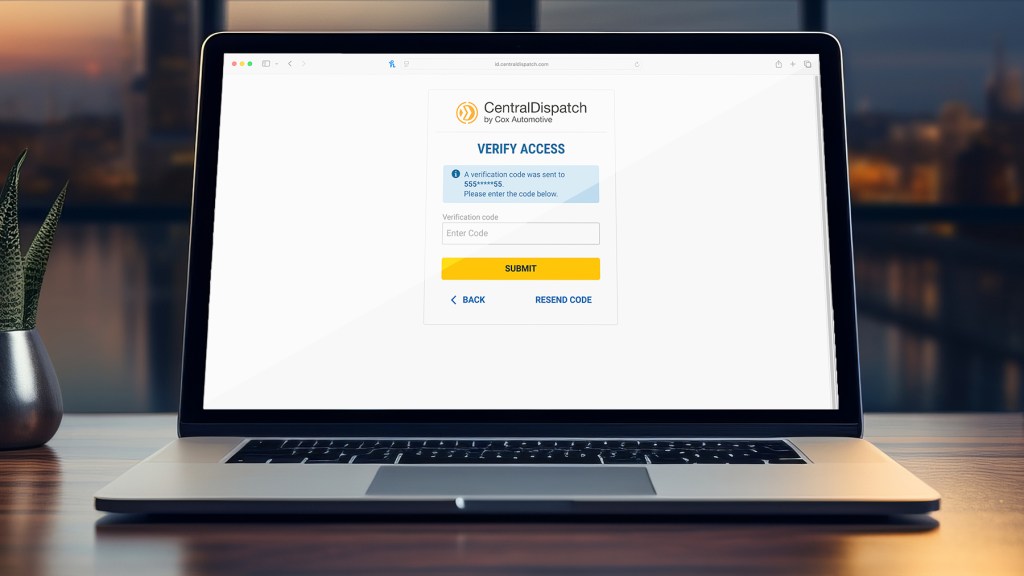
A screen will appear to verify access

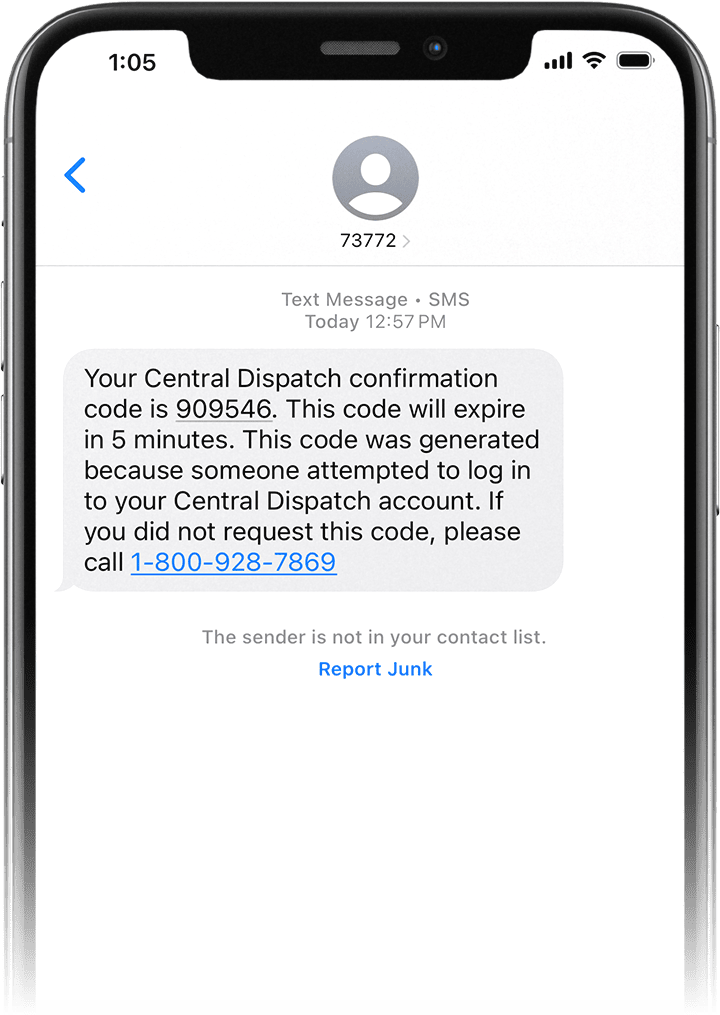
Check your mobile phone for the confirmation code
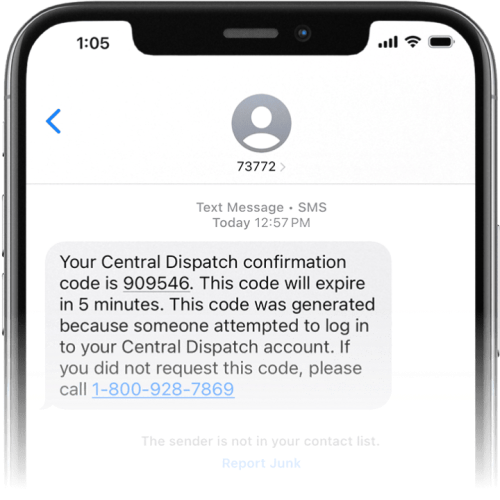
The confirmation code will be sent to the linked phone number and will expire in 5 minutes
Enter confirmation code and submit
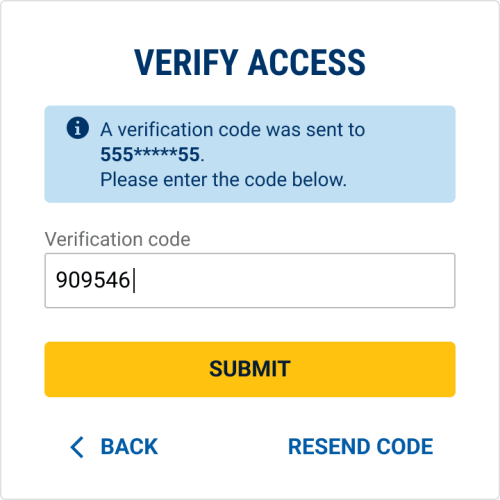
If confirmation code has expired, user can click Resend Code
FAQs
User verification based solely on a username and password provides relatively weak account security. The multi-factor authentication provides an extra layer of security for your account.
Each user on your account can be set up with their own username and password under the Manage Users tab on your account.
With Managing Users, you can assign a role to each person. The role allows you to decide who on your team gets access to certain features and sensitive information, and eliminates the risks that come with a shared sign-in.
Managing Users also allows you to remove a user that is no longer associated with your company, so they do not have access to your account. Learn More About Managing Users
If you are a user on an account, please contact the account owner and ask them to add you to their account.
If you are sharing a log in with another company and do not have access to the verification phone number, you may want to consider getting your own Central Dispatch subscription.
The verification will be sent to the mobile phone number listed in the user’s Central Dispatch account.
Each user can edit the Central Dispatch verification information. Click here to view the steps.
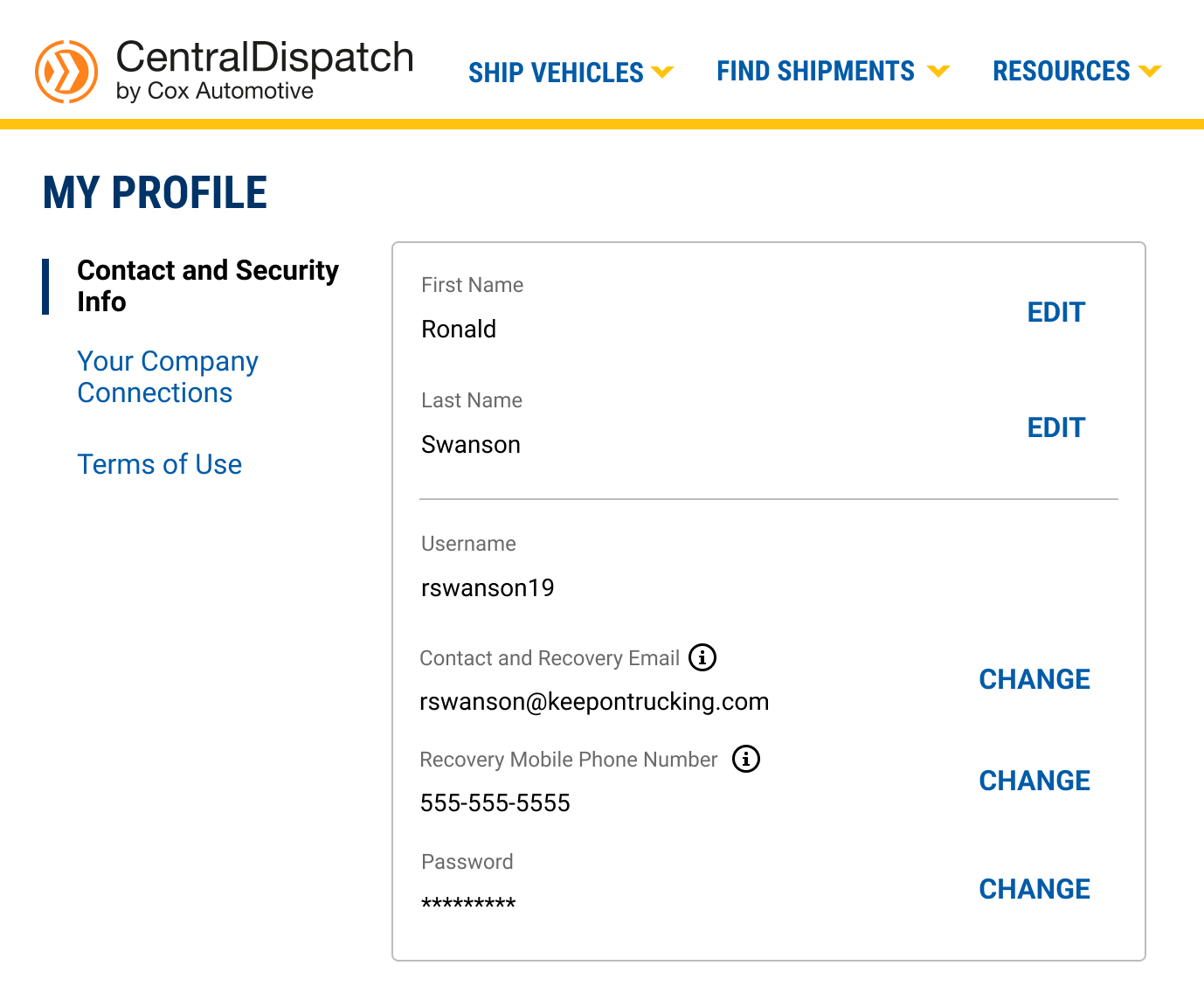
You will need to add a mobile phone number under your My Profile page in Central Dispatch. Click here to view the steps.
If you have completed multi-factor authentication on the same device, navigating to a different account will not require another verification.
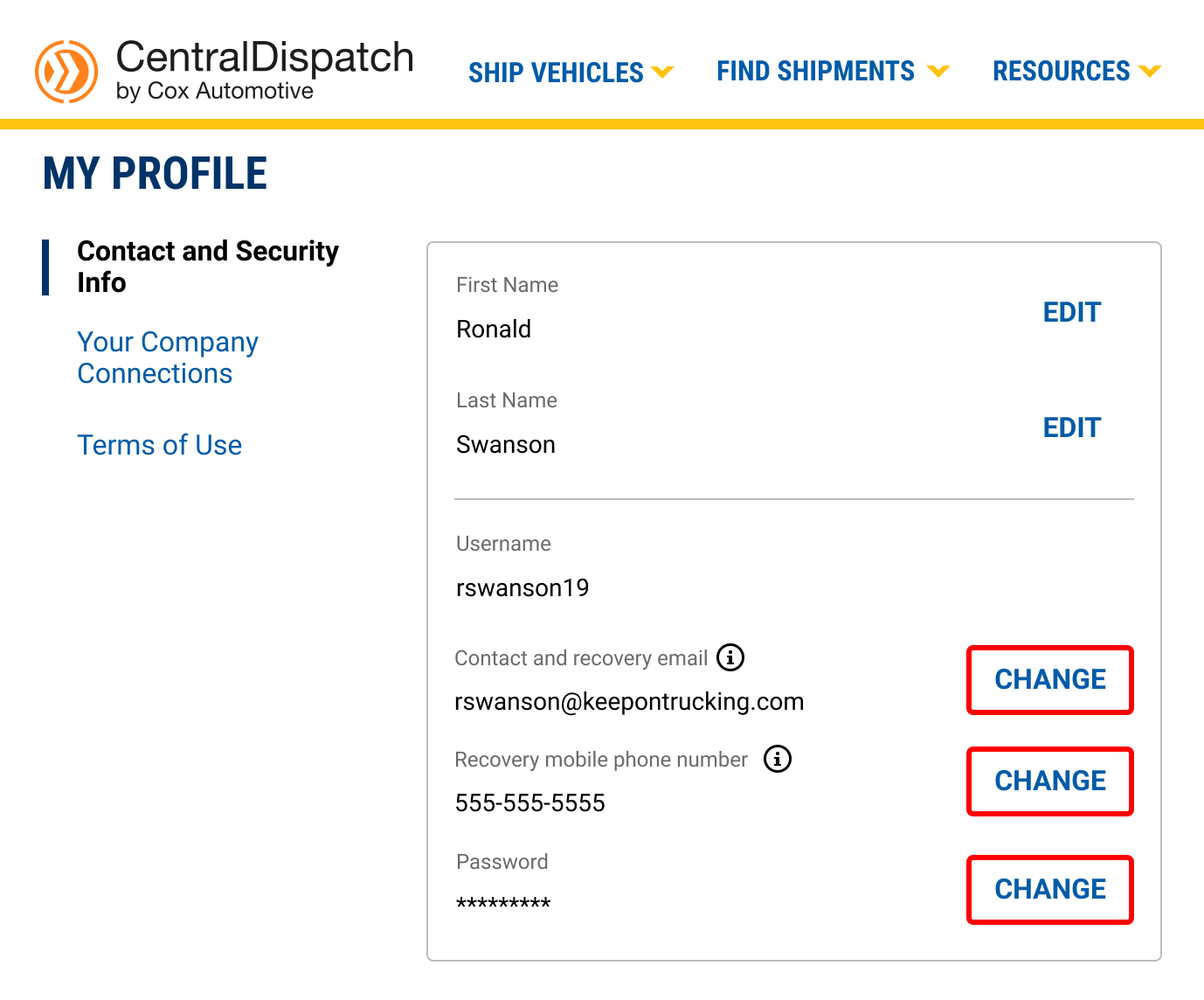
UPDATE email or mobile phone number using ‘My Profile’ under username in upper right corner
1. Click “change” next to the item update
2. Receive confirmation code

3. Enter confirmation code and submit
4. Enter new email or mobile phone number
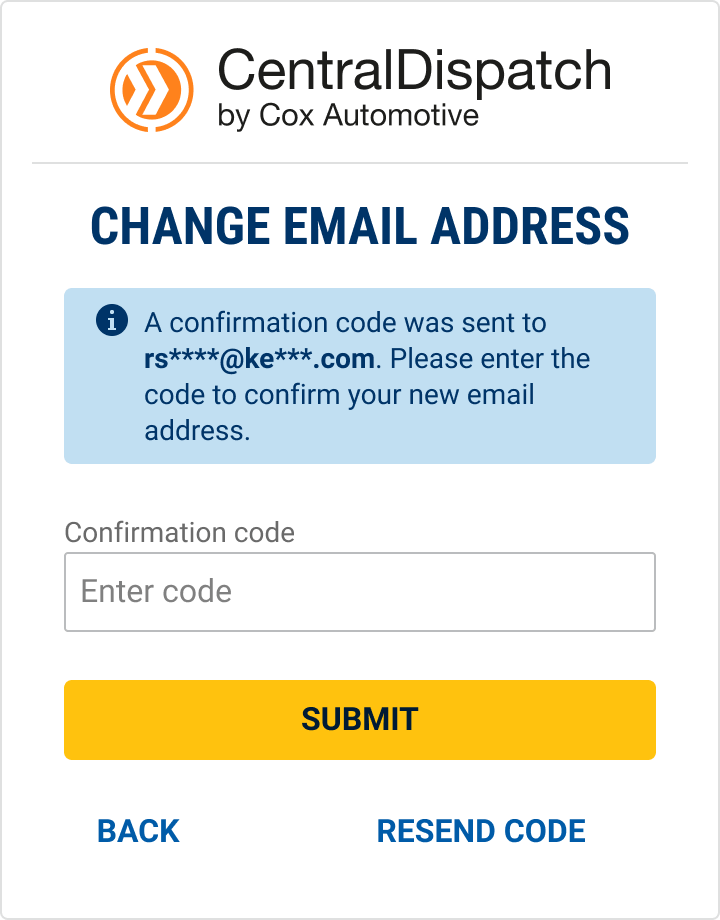
5. Enter confirmation code and submit

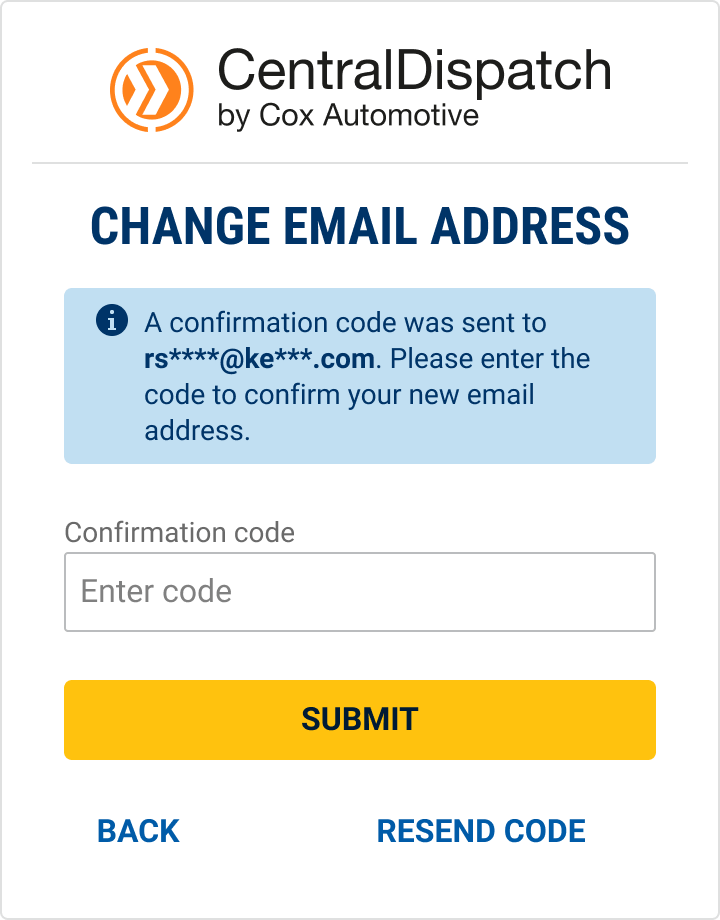
6. Email (or mobile phone number) will be updated