Managing Preferred and Blocked Companies in Your Network
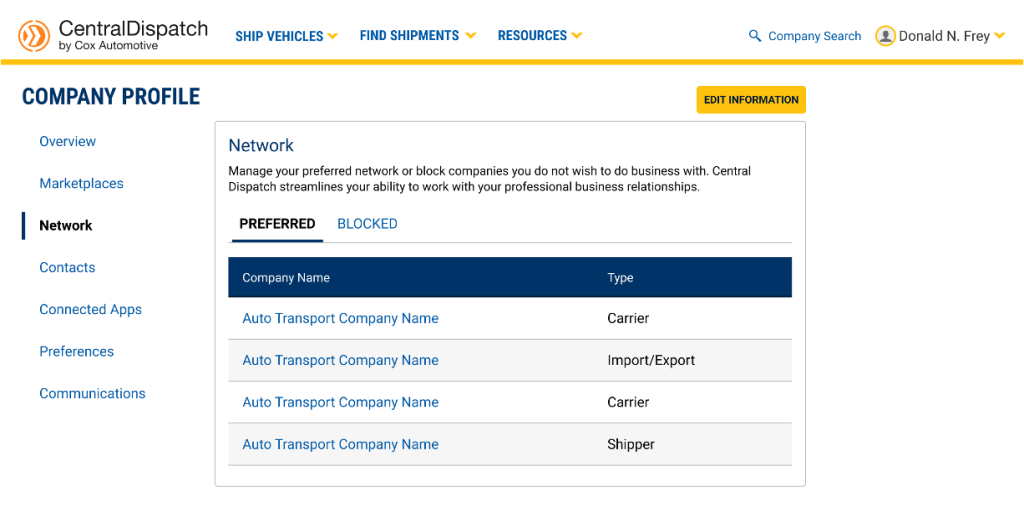
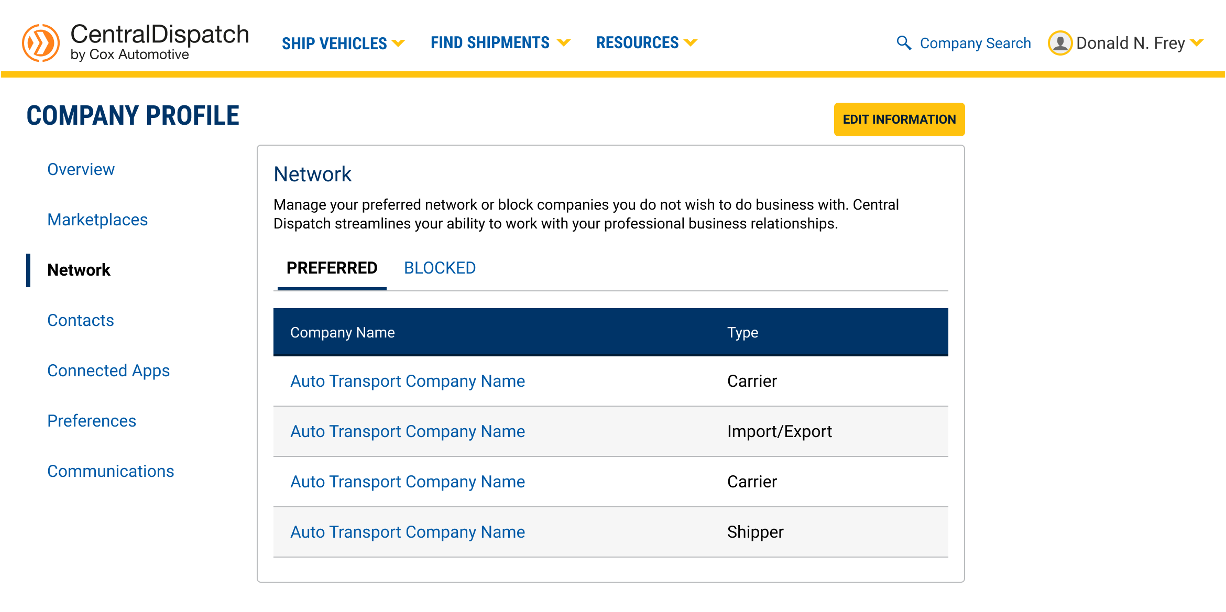
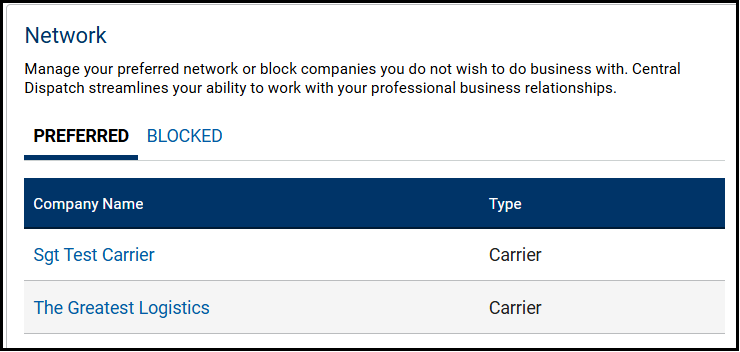
The Network page allows you to manage your preferred network of companies or block companies you do not want to do business with. Central Dispatch streamlines your ability to work with your professional business relationships.
To protect your account, users with the role of Owner, Admin and Member Manager can Edit Information after completing a MFA verification.
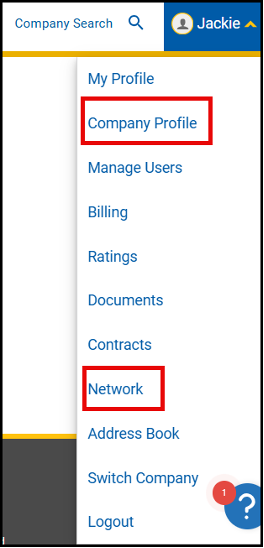
Access your Network by clicking on your account name and clicking the Company Profile link or the Network link
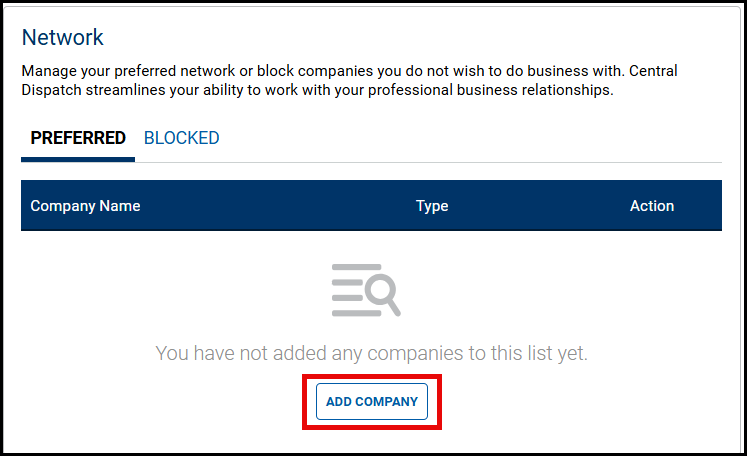
1. To Add Company to your Preferred or Blocked list, click on the appropriate tab and click Add Company
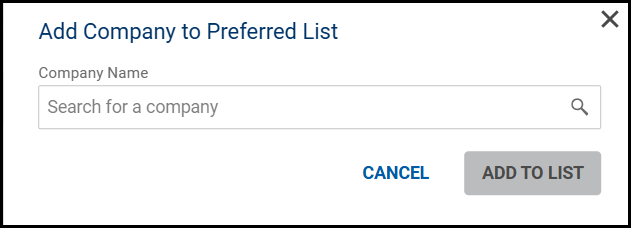
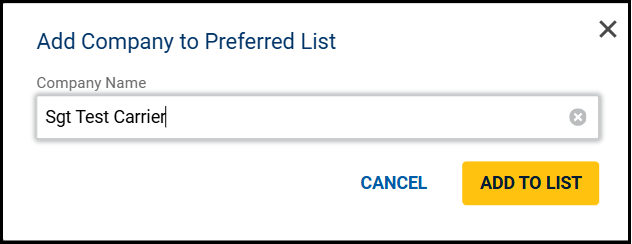
2. Search for the Company and click Add to List
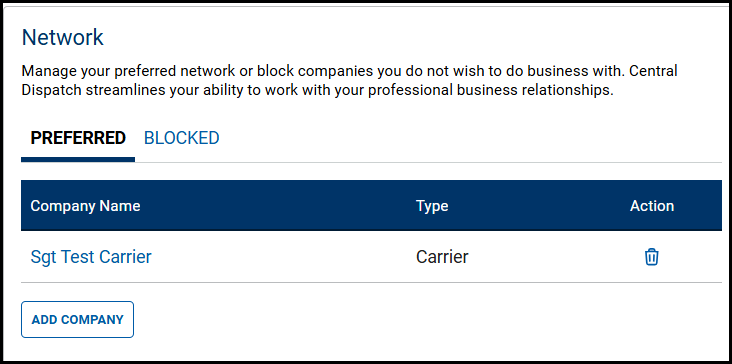
- Click the Trash Can icon under the Action column to remove the company from the Preferred or Blocked list
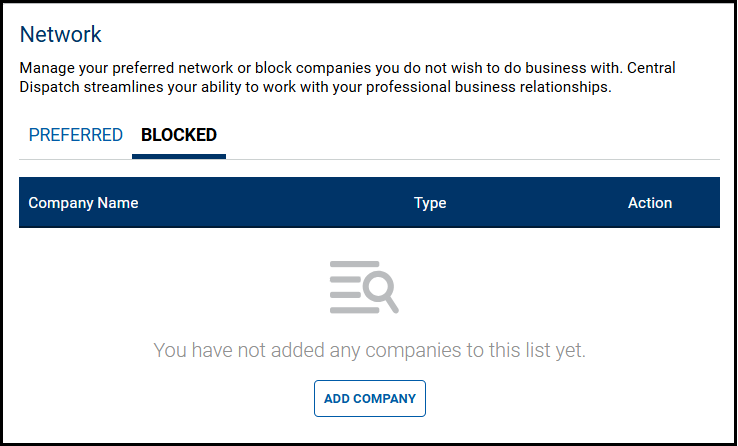
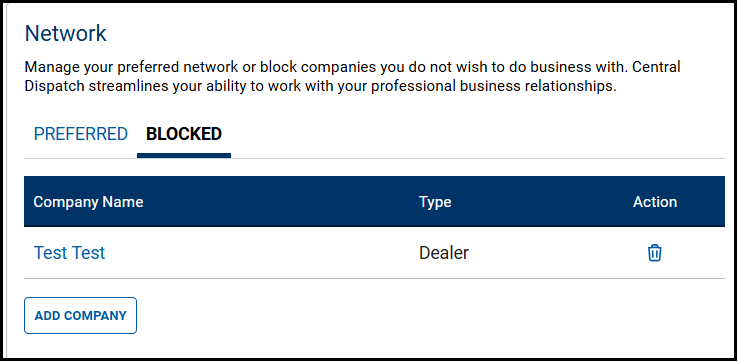
3. A company can also be added to the Preferred or Blocked list from the Company Overview page by clicking Prefer or Block button
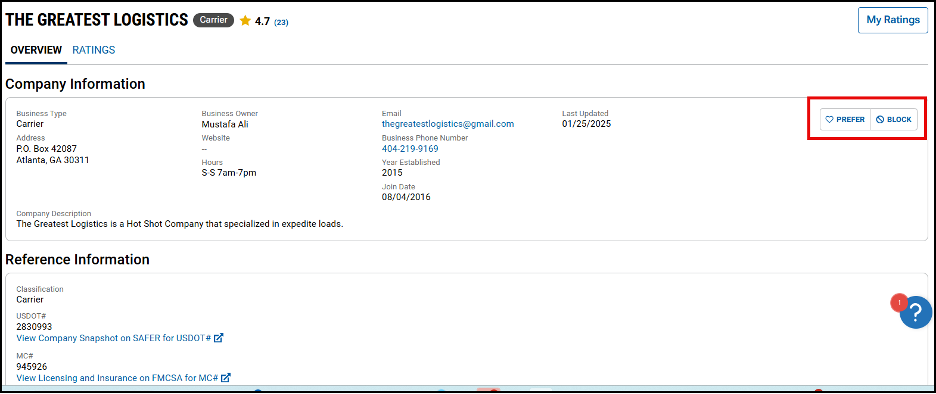
- You are also able to view if the company is on your preferred or blocked list from the Company Overview page
- Click on the Prefer or Block button to remove them from the list
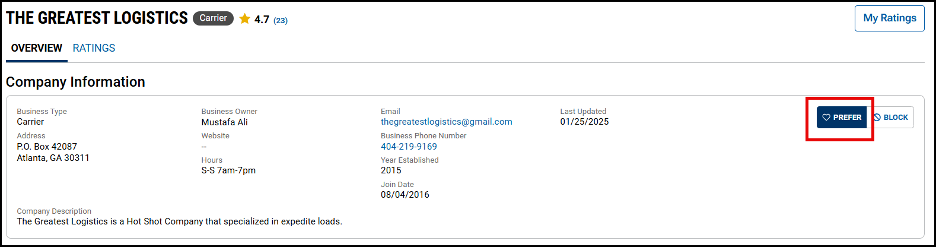
Result: The company will appear on the list for their Network
Search Vehicles
- When searching for vehicles, listings from Blocked shippers will not appear in the results
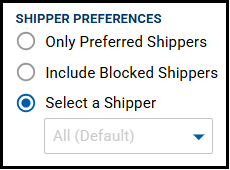
- Use the Shipper Preferences filter to include listings for Only Preferred Shippers or Include Blocked Shippers in your results
Create Dispatch or Assign Load
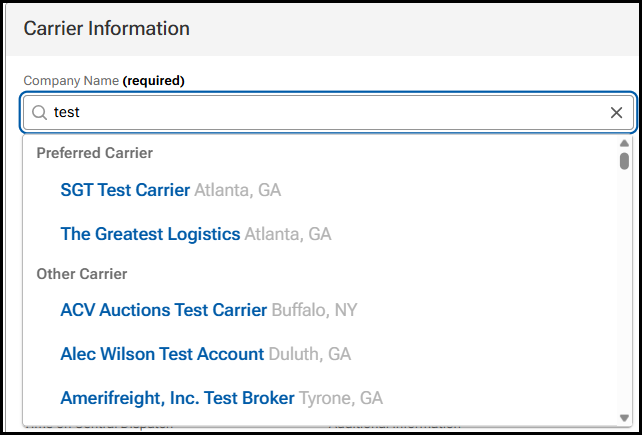
- When creating a dispatch or assigning a load, Preferred Carriers will display at the top of the carrier list
- Carriers that are on the Blocked list will not display when searching for carriers