User Guide
Managing Your Profile
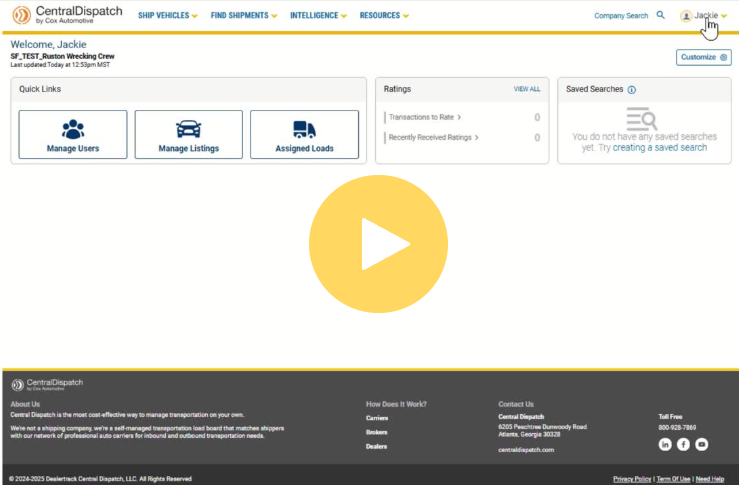

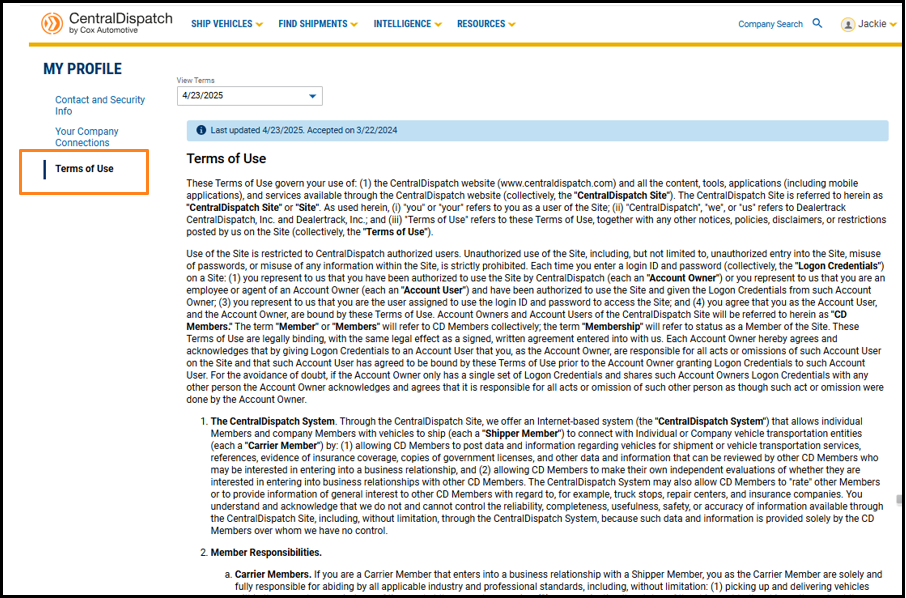
An overview of the My Profile page, including how to edit your contact information, manage verification steps, view company relationships, and access terms of use.
Every User has their own My Profile page:
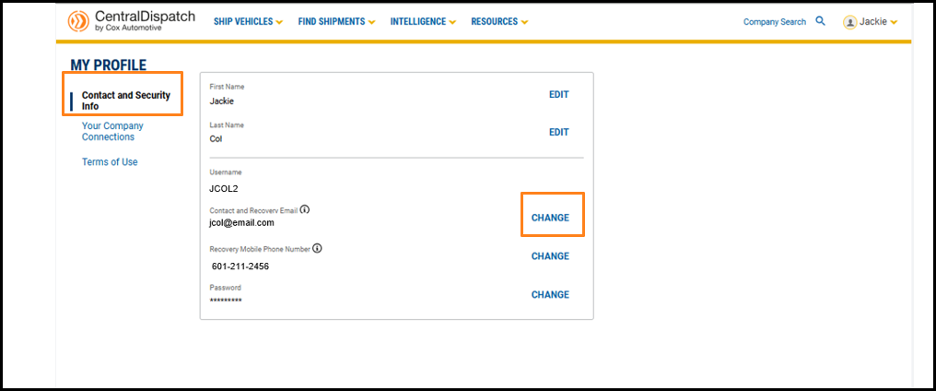
- Contact and Security Info contains your username and password to log into your account
- Your Company Connections displays the different companies you are associated with on Central Dispatch
- Terms of Use includes the date you accepted the terms
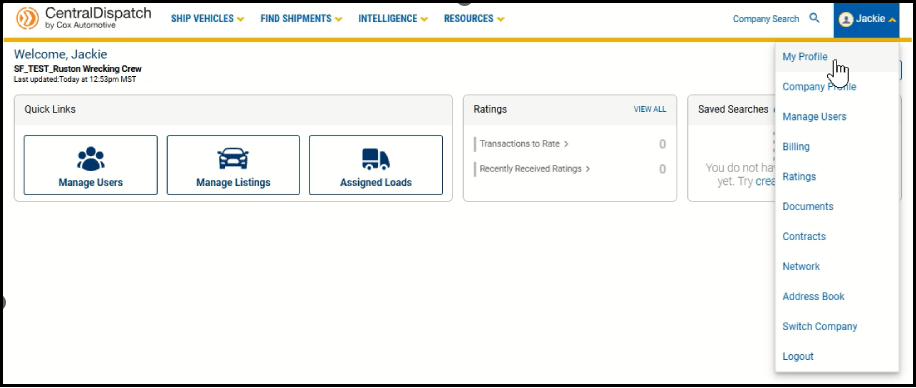
To view your My Profile page, click on your username and My Profile from the drop-down menu.
From the Contact and Security Info tab, click EDIT or CHANGE to update profile information.
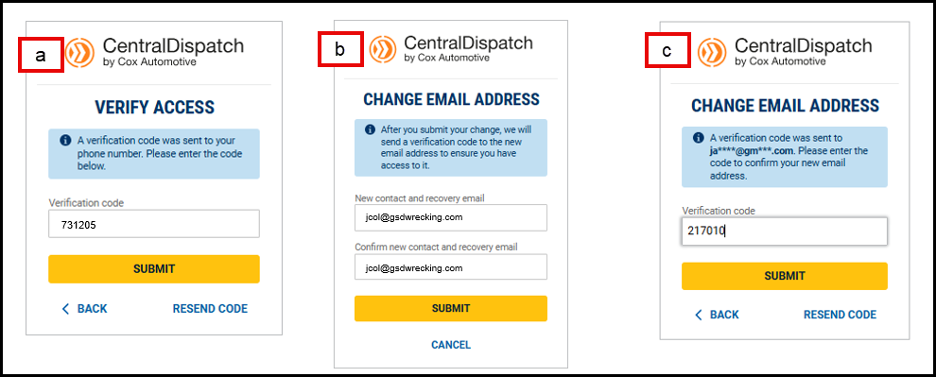
- Making any changes to your My Profile requires verification for the security of your account
- Enter the verification code sent
- Enter your new contact and recovery email (or phone number)
- A verification code will be sent to the added email or phone number to confirm you have access
- Enter code and submit
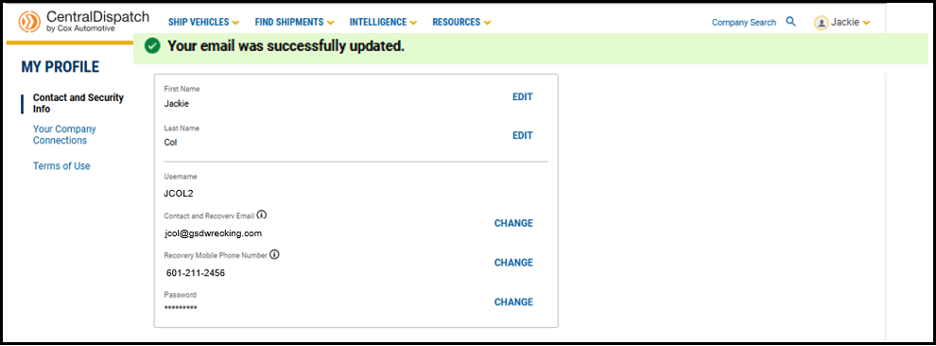
Result: A message will appear displaying the update was successful
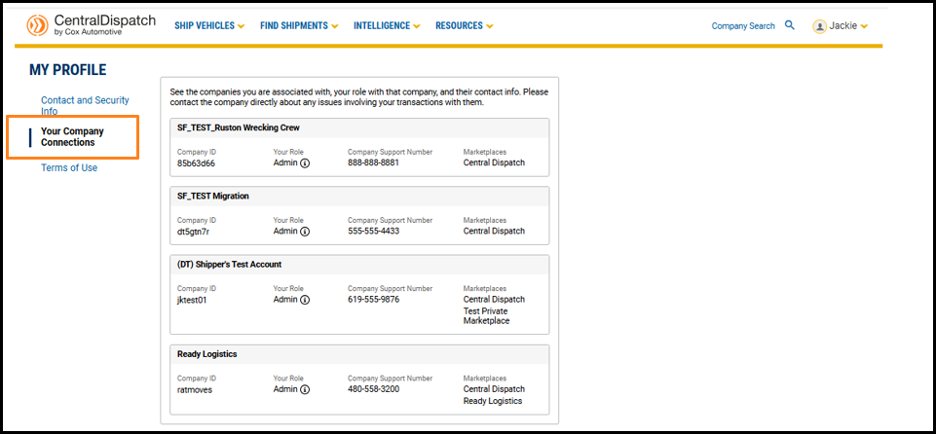
If you are a member of multiple companies, the Your Company Connections tab displays all the companies you are associated with, along with your role.
- The Company Support Number is available, and users are encouraged to reach out to the company directly for help with issues regarding their account or transactions
Terms of Use allows you to view the terms of use and the last time they were updated.